How to design a mask overlay?

Ouisnap photobooth supports 2 types of mask overlays:

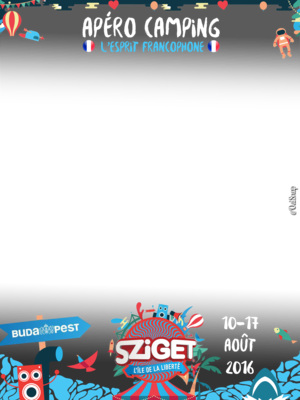
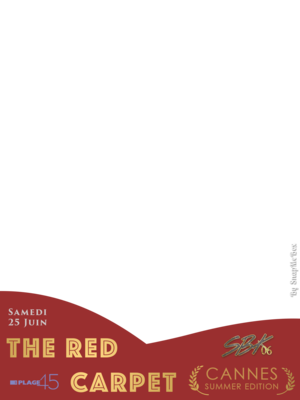
  • Static masks overlays, made with a single semi transparent image
  • Animated masks overlays that animates themselves along with the snaps

Static mask overlay

Technical specifications:

  • Resolution: 960x1280
  • Color: RGBA 8 bit per channel
  • Format: PNG

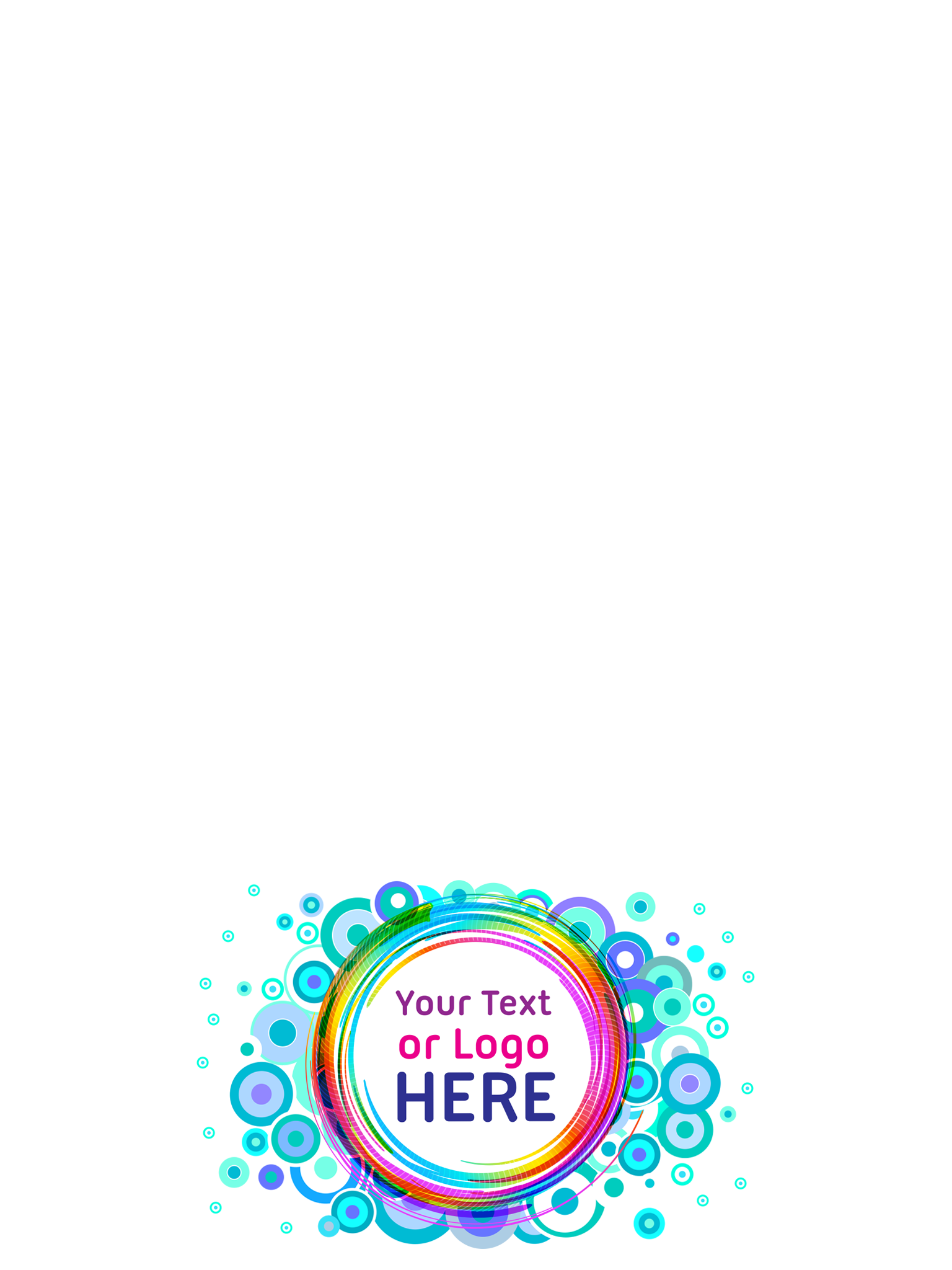
There is no constraints on the position and size of your logos and graphic elements. The only constraint is to leave a big transparent zone so the animated snap in background stays visible

Facebook displays images with a height of 400px. You should check the visibility of your texts at that size.

Examples
Animated masks

The animated mask is composed of 11 images that will loop forward then backward. The final image order is:

1
2
3
4
5
6
7
8
9
10
11
10
9
8
7
6
5
4
3
2

At the end, it's 20 images that will loop every second, indefinitely.

The individual image specifications are the same as for the static mask (see above).

Photoshop "Timeline" Module

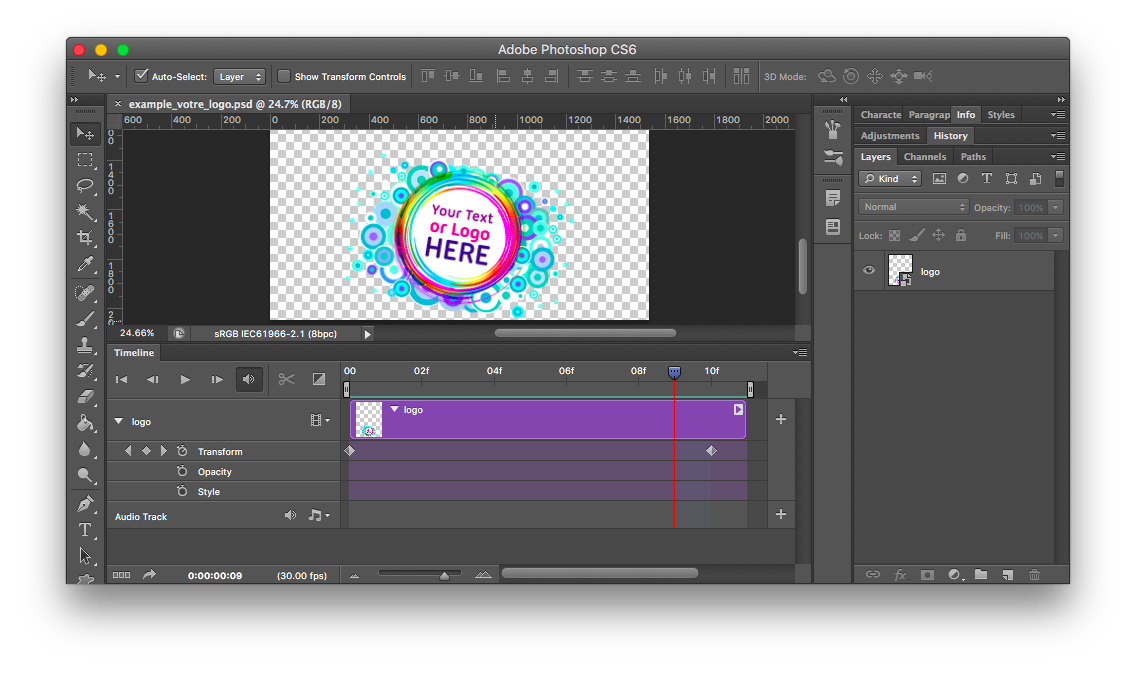
Photoshop has a "Timeline" function to facilitate simple image animations. You can place keyframes to define your layers position:

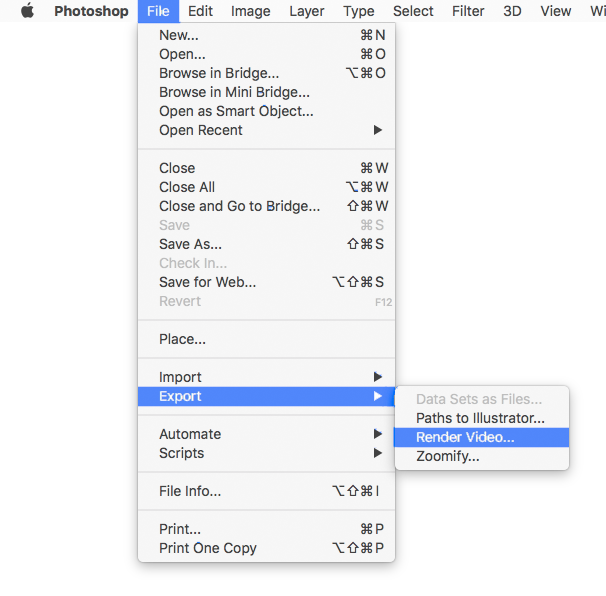
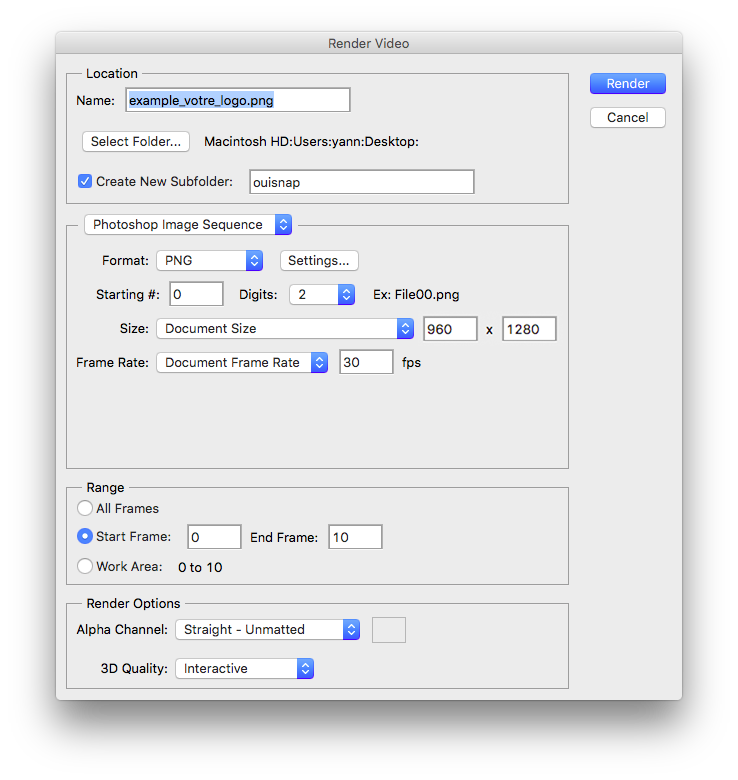
To export, go to "File" => "Export" => "Render Video"

And use the following settings:

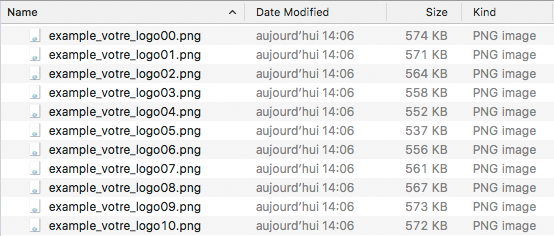
  • Range: from 0 to 10 or from 1 to 11. We need a total of 11 images
  • Format: PNG
  • Alpha Channel: "Straight - Unmatted"

You will get 11 PNG files

Test your mask

You finished the design? Upload your mask to see a preview in our simulator: Upload your mask

Contact

You can reach us by email at: contact@ouisnap.com